
The AI video landscape is evolving at breakneck speed. Just when we got used to standard text-to-video generation, a new contender has arrived to blur the lines between creation and editing.
Enter Kling O1.
Built on a groundbreaking architecture, Kling O1 isn't just an upgrade; it is a shift towards a "unified" creative system. For content creators, filmmakers, and marketers, this model promises to solve the biggest headache in AI video: consistency.
In this detailed review, we dive deep into what makes Kling O1 special, its standout features, and how it compares to its predecessors.
What is Kling O1? The Power of MVL Architecture
Most AI video models treat "generating a video" and "editing a video" as two separate worlds. Kling O1 changes this by utilizing MVL (Multimodal Visual Language) architecture.
Put simply, MVL allows the model to process text, images, video motion, and spatial layout simultaneously in a single reasoning space. This means you don't need a complex pipeline of different tools to get a result. Kling O1 understands the context of your request, whether you are building a scene from scratch or modifying an existing clip.
Key Capabilities at a Glance:
Unified Generation: Mix Text + Image + Video references seamlessly.
High Consistency: Maintains character identity across shots.
Real-time Editing: Modify backgrounds or lighting without rotoscoping.
Feature Deep Dive: What Can Kling O1 Actually Do?
Kling O1 operates primarily in two powerful modes: Video Generation and Advanced Editing.
1. Video Generation Mode: Precision Control
This is vastly superior to standard "text-to-video." Kling O1 offers granular control over the output.
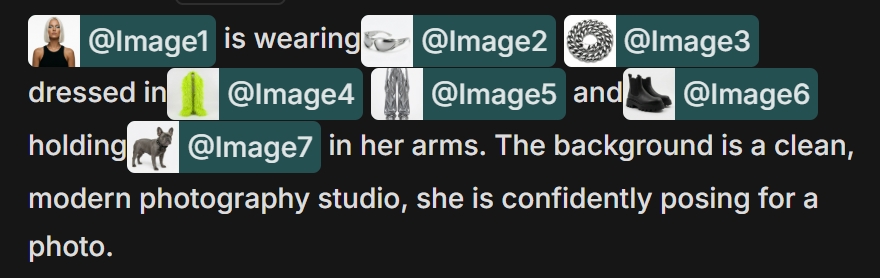
Multi-Image References (Up to 7)
You can upload up to 7 reference images. This is a game-changer for brand consistency. You can feed it photos of a specific product, a character's face, their outfit, and the environment, and Kling O1 merges them into a cohesive 5 or 10-second clip.
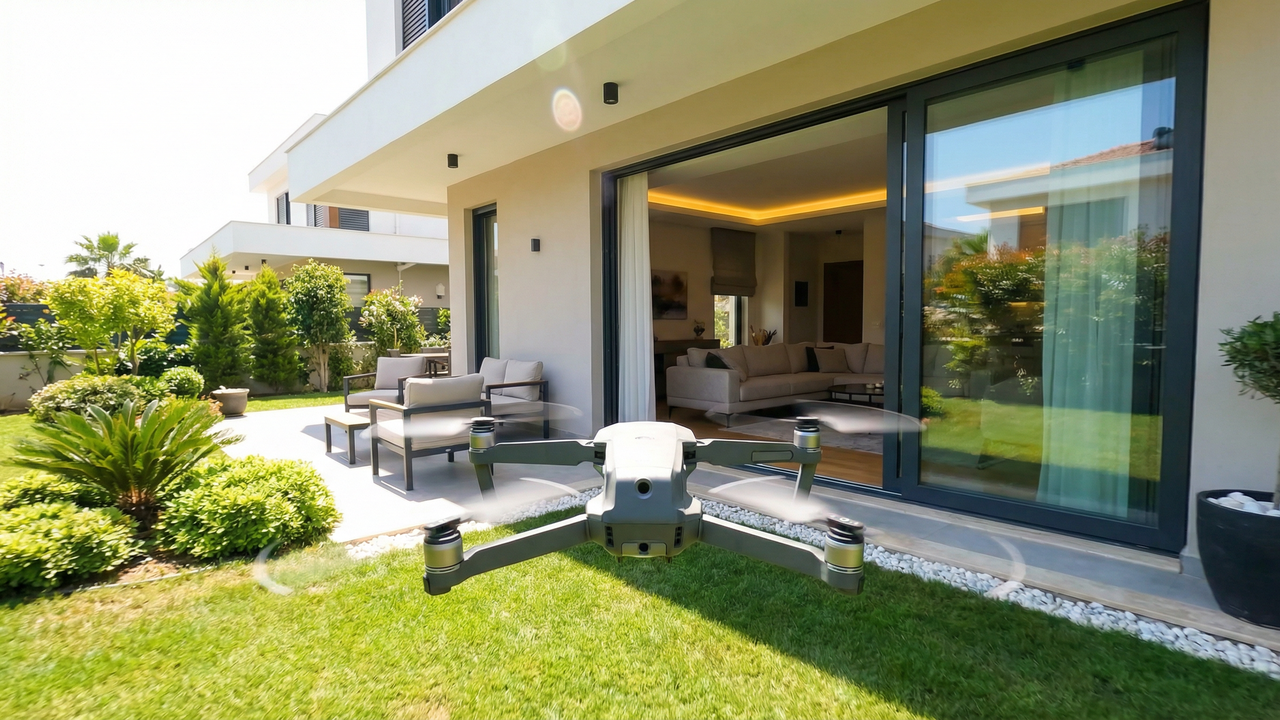
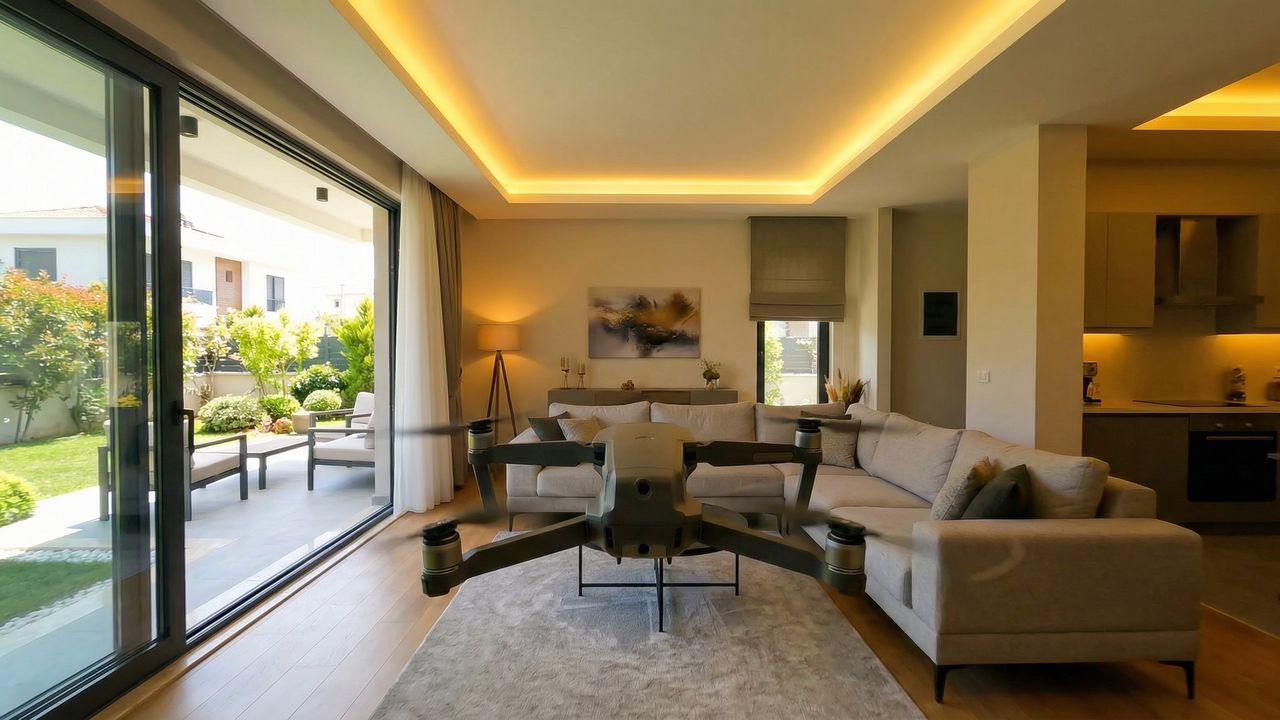
Start & End Frame Control
This is essential for professional transitions. You provide the first frame and the last frame, and the AI interpolates the movement between them perfectly. No more morphing into random shapes at the end of a clip.
Start Frame:
End Frame:
Turn Your Clips into Commercials
You have the perfect cinematic shot from Kling O1. Now what?
Use Topview to add the script, voiceover, and marketing hooks that turn a "cool video" into a "sales machine."
Start Creating Marketing Videos for Free →
2. Advanced Editing Mode: The "Unified" Advantage
This is where Kling O1 shines. It allows for "single-pass editing," meaning you don't need to mask objects frame-by-frame.
Scene & Lighting Alterations
You can describe a change—"change daylight to neon cyber-punk night"—and the model adjusts the lighting and colors while keeping the geometry and subject intact.
Identity & Style Consistency
By using up to 4 reference images in edit mode, you can swap outfits or change props while maintaining the video's original flow.

Pro Tip: For creators making UGC (User Generated Content) or ads, the ability to keep a consistent "character" while changing backgrounds is invaluable for A/B testing different hooks.
Who is Kling O1 For?
Filmmakers: For pre-visualization (previs) and creating storyboards with consistent characters.
E-commerce Brands: For turning static product photos into dynamic lifestyle videos.
Content Creators: For creating custom intros or specialized visual effects without After Effects.
Frequently Asked Questions (FAQ)
1. How does "Start & End Frame" control help marketers?
It allows for perfect looping and seamless transitions. You can ensure a video starts exactly on your product pack-shot and ends exactly on your logo, making the AI footage usable in professional edits.
2. Can I use Kling O1 to edit existing non-AI videos?
Yes. You can upload a real video clip and use the text prompt to change the season, lighting, or background style (e.g., turn a summer street into a snowy winter scene) without re-shooting.
3. Is the output quality high enough for TV commercials?
Kling O1 generates high-definition output (up to 1080p). While it is excellent for social media and digital ads, broadcast TV may still require traditional upscaling and color grading workflows.
Conclusion
Kling O1 represents a significant mature step for AI video. By moving to a unified MVL architecture, it solves the "consistency" problem that has held the industry back. Whether you are transferring motion from a viral clip to your own content or strictly controlling the start and end of a shot, Kling O1 gives you the director's chair.
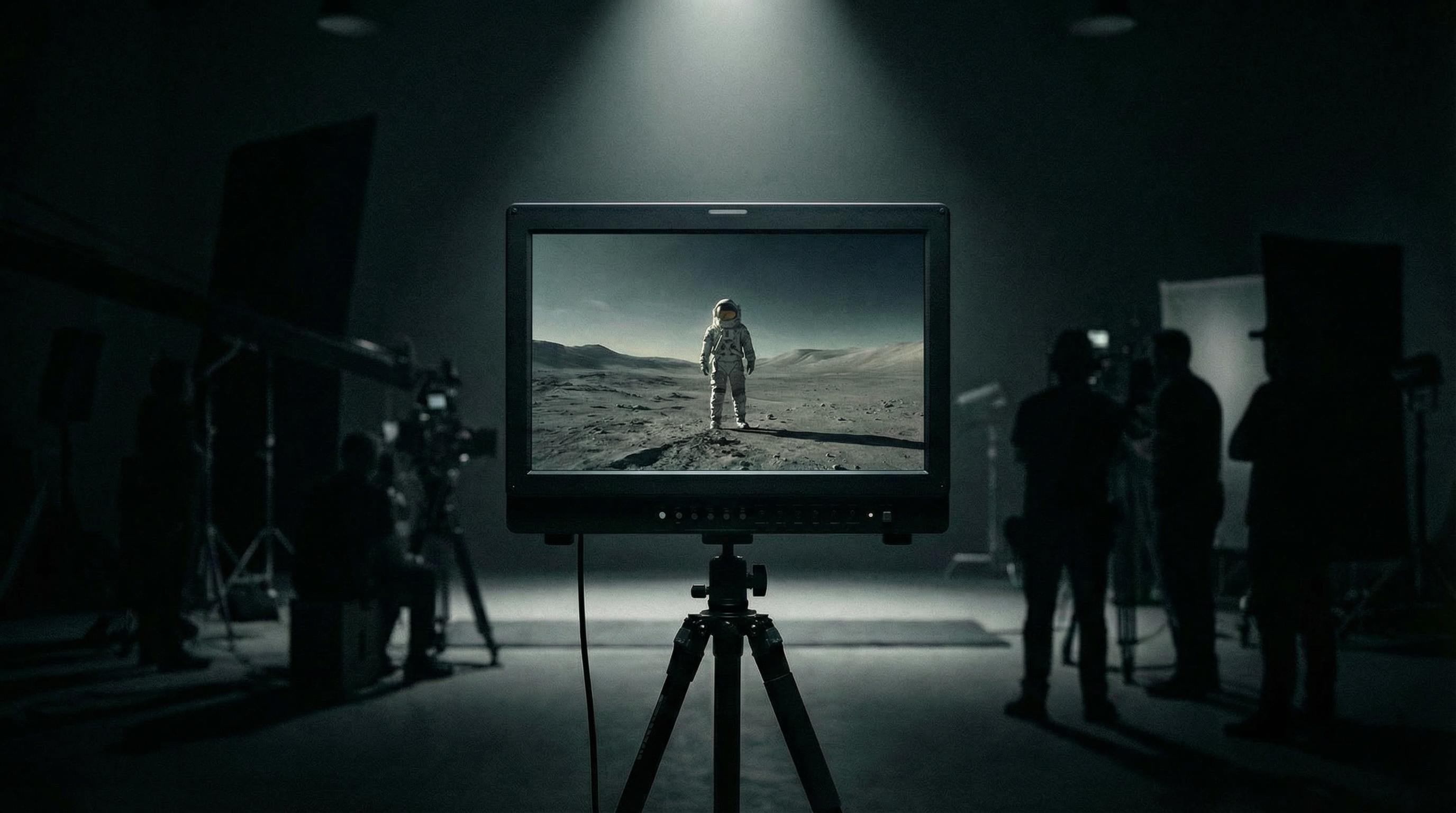
It understands text like a scriptwriter, images like a cinematographer, and video like an editor. For those willing to master its inputs, the creative possibilities are endless.
For those who want to skip the "mastering" phase and go straight to "marketing," tools like Topview remain the best bridge between advanced AI tech and business results.
Stop Editing Manually. Start Scaling Automatically.
Don't let your raw AI clips sit on a hard drive. Use Topview to package them into high-converting video ads instantly.